
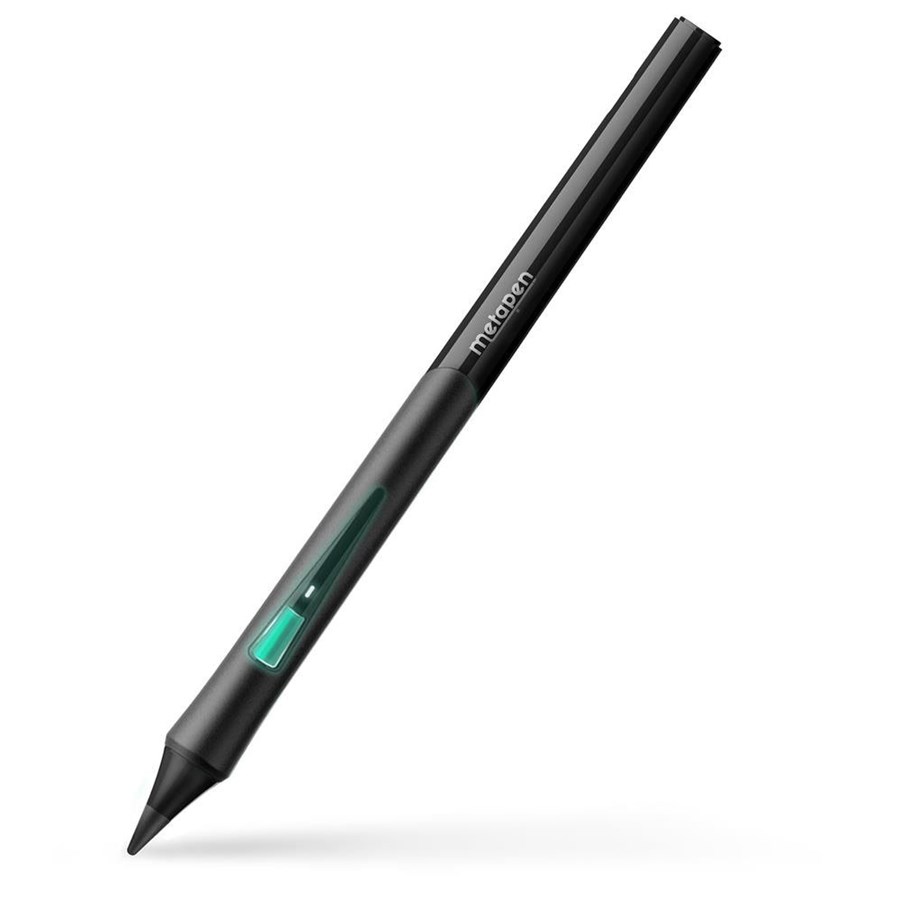
Metapen Pencil D1 for iPad - Black
The Metapen Pencil D1 is a powerful writing and drawing tool designed for long-lasting, comfortable work on your iPad. The ergonomic, patented design with a gently tapered shape provides a natural grip and precise movement control, which works well for both note-taking and creative work. With high pixel accuracy, tilt sensitivity and Bluetooth support, the stylus supports smooth and responsive work with drawing, learning and note-taking applications. In addition, the stylus supports the "Find Stylus" function, which makes it easy to locate it using the Metapen app in case it gets lost.
Brand: Metapen
Model: Metapen Pencil D1
Color: Black
Connector Type: USB-C
Working time: up to 8 hours
Charging Time: About 30 minutes
Automatic shut-off: after 5 minutes of inactivity
Compatibility: iPad (6/7/8/9/10/11 gen A16), iPad Air (3/4/5/M2/M3), iPad mini (5/6), iPad Pro 11-inch (1/2/3/4/M4), iPad Pro 12.9-inch (3/4/5/6), iPad Pro 13-inch (M4) (detailed model list according to manufacturer's information)
Key benefits of the Metapen Pencil D1:
Ergonomic design: The contoured shape and rubber handle ensure comfort and precision during long working hours.
0.1mm High Precision: Pixel-level accuracy allows you to write small notes and draw details.
Slope sensitivity: It allows you to adjust the thickness of the line by changing the angle of the stylus.
Programmable Side Button: It allows you to quickly access selected features and tools in compatible applications.
"Find Stylus" function: It makes it easy to locate the stylus and check the last disconnection location in the Metapen app.
Ergonomic grip and movement control
The patented design of the Metapen Pencil D1 is designed for a natural hand position. The tapered profile and soft grip support stability and reduce fatigue during prolonged writing or drawing.
Precise writing and drawing
The advanced control system ensures accuracy up to 0.1 mm, no noticeable delays and smooth line guidance. The stylus works well both when writing small texts and when working with graphic details.
Slope sensitivity
By changing the angle of the stylus, you can create different line and shading effects, which increases control over your drawing and allows you to better tailor your work style to your application.
Programmable button and Bluetooth functions
The stylus supports Bluetooth connection and has a side button that can be configured using the Metapen app. This allows you to quickly perform selected actions, such as changing tools or undoing operations, in compatible applications.
"Find Stylus" Function
When connected via Bluetooth, the Metapen app allows you to check the last disconnection point of the stylus, making it easier to find and reducing the risk of losing it during everyday use.
Ovanstående information och specifikationer är vägledande och kan utan förvarning ändras av producenten. Alla uppgifter lämnas med reservation för tryckfel, och bilder är vägledande. Vissa texter kan vara autogenererade eller maskinöversatta och kan därför ge texter som kan vara missvisande.